
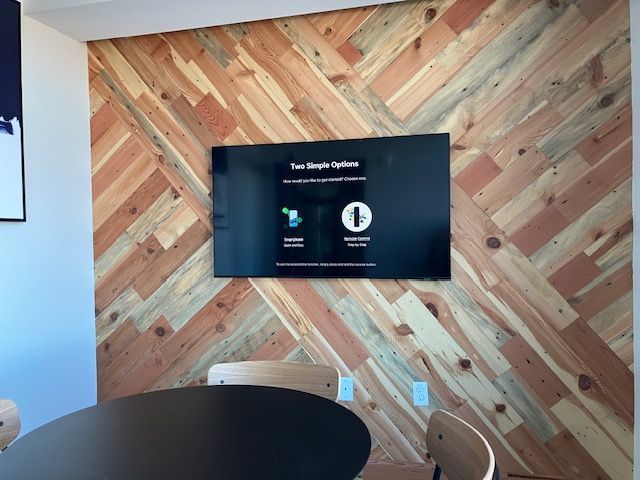
Your Streaming Devices Should Work Without Constant Troubleshooting
Streaming Device Setup in South Hamilton for households transitioning from cable service to app-based content platforms
Becker Media Design configures streaming devices like Roku, Apple TV, and Amazon Fire TV to connect reliably to your home network, link to your subscription accounts, and integrate with mounted televisions and sound systems throughout South Hamilton. You receive a device that launches apps quickly, plays 4K content without buffering, and responds to voice commands without repeated attempts.
This service includes connecting the device to your Wi-Fi network with optimized signal strength, signing into streaming services, organizing app layouts for easy navigation, and adjusting display settings to match your television's resolution and HDR capabilities. Remote pairing ensures volume and power buttons control your TV and soundbar without juggling multiple remotes. A streaming device setup addresses the frustration of buffering during playback, apps that fail to load, and interfaces that require navigating through menus to find basic functions.
If you want access to streaming content without technical hassles or need help replacing cable boxes with app-based services, schedule a professional setup to simplify your entertainment system.
Network Optimization and Account Integration Ensure Smooth Playback
You receive a streaming device connected to the 5 GHz band of your router when available for faster throughput, with quality settings adjusted to prevent unnecessary buffering on slower connections. Apps are updated to the latest versions, and parental controls are configured if you want to restrict content access for younger viewers.
After setup, you will notice instant app launches, smooth scrubbing through video timelines, and uninterrupted playback even during peak evening hours when network traffic increases. Becker Media Design tests streaming performance with your most-used services and verifies that your television displays HDR content correctly when supported by both the device and TV.
The system includes integration with existing home theater receivers when you want streaming audio routed through surround speakers, and universal remotes are programmed to control the device alongside other components. If your home network struggles to support 4K streaming, a router upgrade or access point addition may be recommended to prevent dropouts. This work does not include subscribing to streaming services on your behalf or recovering login credentials from forgotten accounts managed by third-party providers.
Common Questions About Streaming Device Configuration
Homeowners switching to streaming often ask about device differences, network requirements, and how to manage multiple subscriptions across platforms.
What is the difference between Roku, Apple TV, and Fire TV?
Roku offers the widest app compatibility and simple interface, Apple TV integrates with iOS devices and supports AirPlay, and Fire TV emphasizes Amazon content with Alexa voice control.
How much internet speed do I need for 4K streaming?
You need at least 25 Mbps per stream for consistent 4K playback, though higher speeds are recommended when multiple devices share your network simultaneously.
When should I restart my streaming device?
You should restart when apps freeze, playback buffers despite adequate internet speed, or the interface becomes sluggish after extended use without powering down.
Why do some apps not appear on my streaming device?
App availability varies by device manufacturer and licensing agreements, so niche services may only support certain platforms or require sideloading outside official app stores.
How does network performance in South Hamilton affect streaming quality?
During peak evening hours, bandwidth congestion from multiple household devices can reduce available throughput, causing adaptive streaming to lower resolution automatically to maintain playback.
If you want streaming devices configured correctly the first time and integrated with your home network and entertainment system, contact Becker Media Design to schedule a setup that eliminates guesswork and repeated troubleshooting.