
Complete Setup From Box to Picture
TV Installation in South Hamilton for homeowners replacing older televisions or upgrading to larger screens who need full setup and connection of all entertainment components
Becker Media Design provides TV installation in South Hamilton when you purchase a new television and need it mounted or placed on a stand, connected to streaming devices and HDMI equipment, and configured so every app and input works before the technician leaves. You call after the television arrives or when replacing an outdated screen with a newer model. The work includes unboxing, physical installation, cable connections, network setup, and testing each component to confirm video and audio output.
Installation covers mounting the television to the wall with a secure bracket or assembling a stand and placing the screen on furniture. HDMI cables connect cable boxes, game consoles, Blu-ray players, and streaming devices to the correct inputs. The television joins your home network over Wi-Fi or Ethernet, and streaming apps are configured with login credentials. Soundbars and AV receivers are wired into the system and tested for audio output. All cables are organized using ties or channels to keep the area neat.
To arrange a full installation after your new television is delivered, contact Becker Media Design and schedule a visit in South Hamilton.
How Television Setup Includes Every Connected Device
You show the technician where the television will go, and the installation begins by mounting the screen or assembling the stand according to manufacturer instructions. Power cables plug into a surge protector or wall outlet, and HDMI cables run from each source device to the television's input panel. The television's menu system is accessed to scan for channels if you use an antenna, connect to your wireless network, and download firmware updates.
Once connections are complete, you will see each input display properly when selected, streaming apps load without buffering, and sound plays through your chosen speakers or soundbar. Becker Media Design tests the remote control, confirms all HDMI devices are recognized, and walks you through switching between inputs and adjusting basic settings.
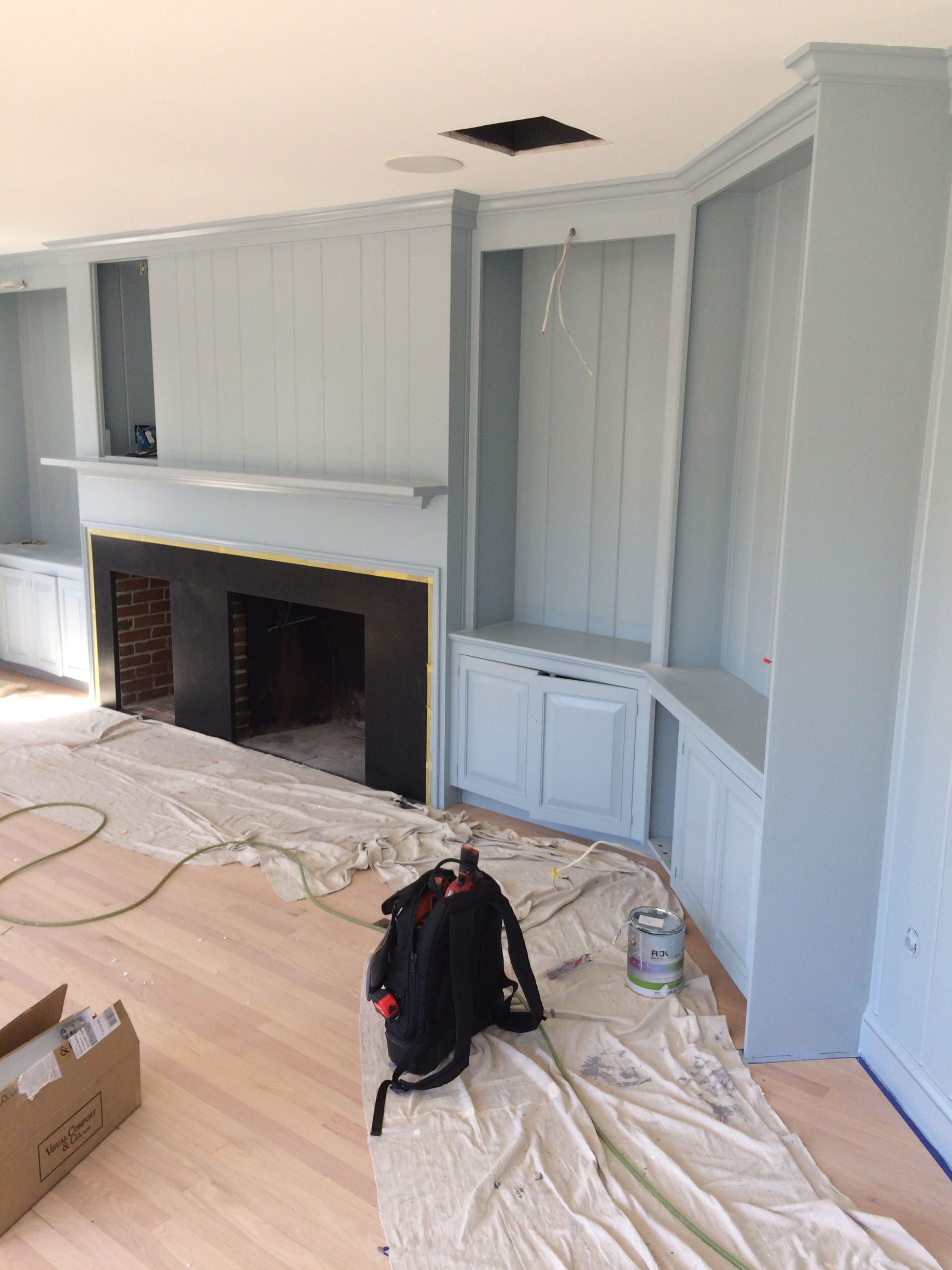
If you are adding a soundbar or upgrading an AV receiver during the same visit, those components are integrated into the setup. The service does not include mounting televisions over fireplaces that require electrical work, running cables through finished walls without access holes, or programming universal remotes for complex home automation systems.
Common Questions About Setting Up New Televisions
Homeowners in South Hamilton often want to know what happens during installation, how devices connect, and how long the process takes.
What is included in a full TV installation?
The installation covers mounting or stand setup, connecting all HDMI devices, configuring Wi-Fi and streaming apps, organizing cables, and testing every input to confirm the system works.
How long does installation take for a new television?
Most installations finish in one to two hours depending on the number of devices being connected and whether the television is mounted or placed on a stand.
Why is it better to schedule installation right after the TV arrives?
Scheduling immediately after delivery prevents the hassle of unpacking, connecting, and troubleshooting the system yourself, and it ensures the television is set up correctly from the start.
When should I provide login credentials for streaming apps?
Have your usernames and passwords ready for services like Netflix, Hulu, and Amazon Prime so the technician can log into each app and confirm it loads properly.
What happens if my home network has weak Wi-Fi in the TV location?
The television can connect using an Ethernet cable for a more stable connection, or you may need to address Wi-Fi coverage separately before streaming works reliably.
When you are ready to set up a new television with all devices connected and tested, reach out to Becker Media Design to schedule installation service in South Hamilton.